
Documents in. Signed study out.
Software reads and drafts. Every number links to its source. A qualified reviewer decides and signs.
Prefer a walkthrough? Book a 20-minute demo
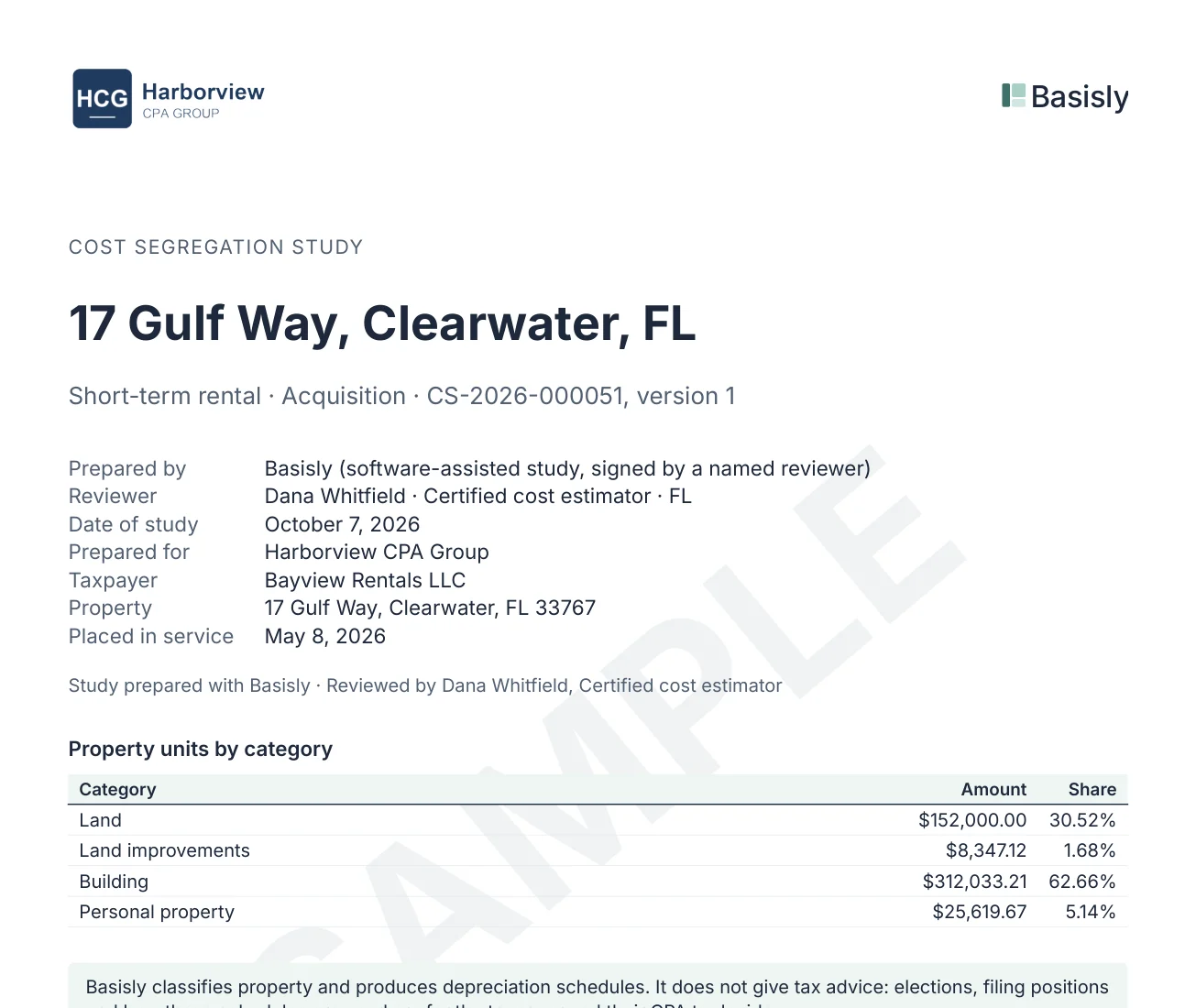

Sample report and study stages. Sample firm and data.
From order to signed report.
-
Order
CPA firmChoose the client and property, then see the price before you confirm. Your firm places the order, so the relationship stays with you from the first click.
ClientBayview Rentals LLCPropertyMaple Street house · Single-family home · TXStudyAcquisitionYour priceShown before orderingOrder study -
Documents
ClientYour client gets a secure page with your firm’s name and logo. They add the closing statement, appraisal and photos, and files are sorted for them. We send the reminders, so your staff doesn’t.
Harborview CPA Group · documentsClosing statement✓ 1 fileExterior photos✓ 4 filesAppraisalTo do -
Confirm basis
CPA firmYou confirm the purchase price, land value and key dates. Tax choices stay with your firm and are shown on the study, so the numbers rest on your determinations.
Basis CPA’s determinationPurchase price$498,000Land value · appraisal$152,000Depreciable basis$346,000 -
Preparing
BasislyWe read each document and link every figure to its source page or photo. Fixed rules classify the components, and the total ties back to basis. Anything that doesn’t fit is flagged for the reviewer.
Carpet and flooring p. 25-yearDriveway and paving photo 315-yearBuilding structure p. 127.5-year✓ Ties to basis -
Review
Qualified reviewerA qualified reviewer checks every material or flagged line against the evidence, then signs. A qualified reviewer has experience and a background appropriate to the assigned work. Review is not an audit, appraisal, engineering seal or tax-position approval. Nothing is delivered without that signature.
Carpet and flooringApprovedDriveway and pavingApprovedBuilding structureApproved✓Signed by a qualified reviewer -
Delivered
CPA firmYou receive a branded report and depreciation schedules under your firm’s name, ready for your workpapers. You decide how the study is used.
Study report (PDF)DownloadDepreciation schedules (CSV · XLSX)Download
Drawn examples with sample names and amounts.
Two studies are waiting on the client: Oak Hollow office and Alder Court office.
That is your professional judgement. I can show you what the study says, and where each fact came from.
Illustration with sample names.
San is there at every step.
Ask where a study stands, what is still missing or what the report says. San only answers about your firm’s own studies, links to the source, and never gives tax advice.
Built for sensitive client documents.
Closing statements and appraisals carry sensitive details. Basisly protects them with access controls and privacy screening.
- Every firm’s data kept separate
One firm cannot see another firm’s client study records, and people see only what their role needs.
- Encrypted, stored in the US
Data is encrypted in transit and at rest. Study records are stored in US data centers.
- Reviewers see only what they need
Authorized reviewers worldwide view assigned, privacy-screened materials through the application only. Downloads and exports are disabled, and your firm’s identity is withheld from them.
- Sensitive details screened
Automated screening masks or redacts sensitive information not needed for review. It may miss an item, and reviewers must stop and tell us if one appears.